Laravel Routines
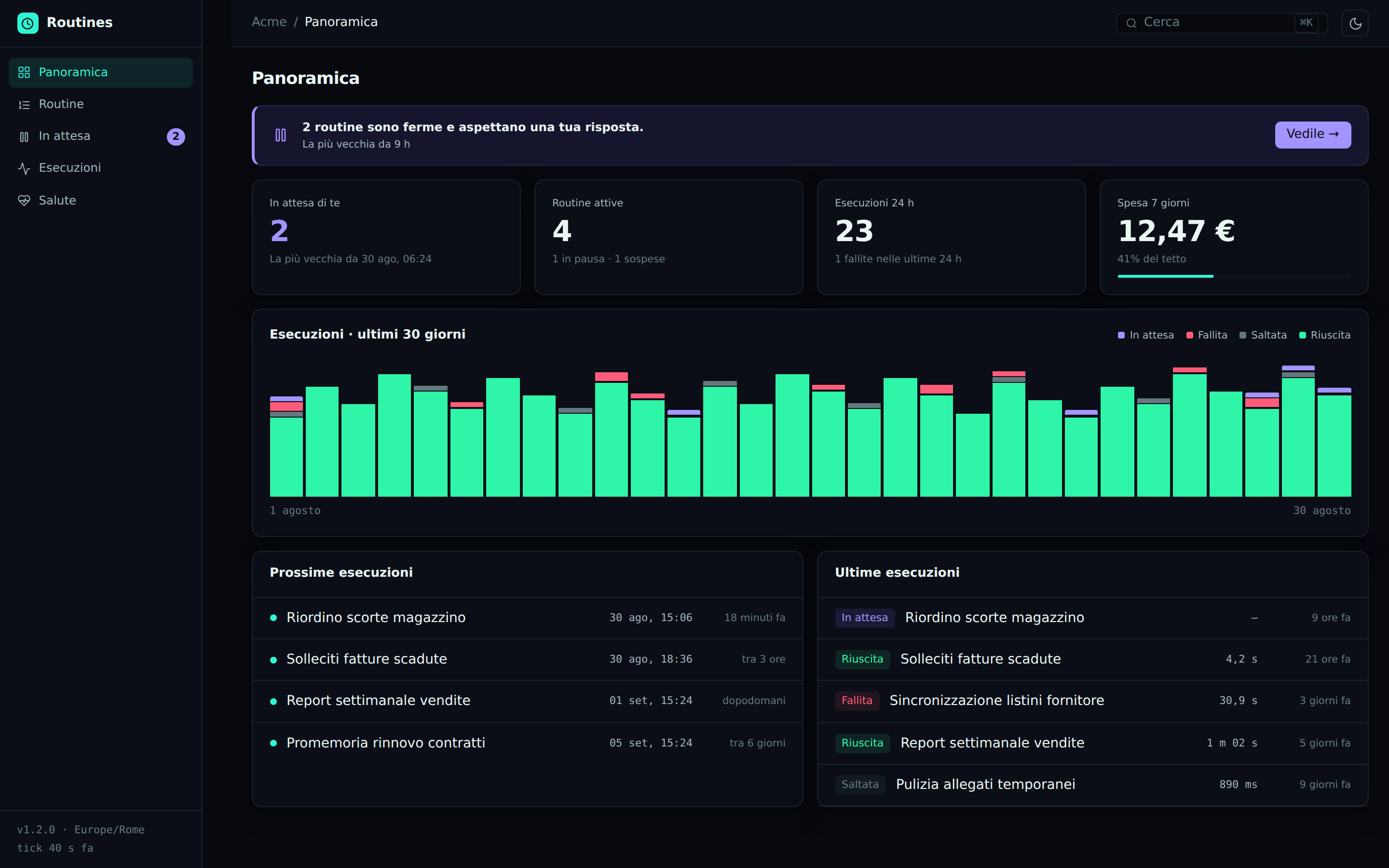
padosoft/laravel-routines runs scheduled automations: a report every weekday at 6, a sync
every hour, an agent that reviews orders every Monday. They run when the user is not there. That is
their whole value, and their whole problem.
The rest of the ecosystem is built on one invariant: an agent proposes, the user confirms on
screen, per action. A routine that fires at 3am has nobody to ask. Every other automation
platform resolves the contradiction in one of the two worst ways.
| How everyone else resolves it | What it actually means |
|---|---|
| Runs with application credentials | The automation can do everything, forever. No user is accountable, and the audit says “system”. |
| Runs with the user’s stored token | The user handed their identity to a process that will act indefinitely, unwatched. |
Neither is an answer. This package gives a third one.
The standing mandate
A routine carries a mandate: a consent that is standing but narrower than the interactive
one, bound to (target, action classes, spend ceiling, time window) and tied cryptographically to
the canonical digest of the approved payload.
Inside the mandate the routine runs alone. Outside it — an order for €1,240 when the mandate covers
€500 — it neither fails nor proceeds: it goes to paused, and the question goes out to a human
on a real channel. The person answers, and the fire resumes where it stopped.
mandate ──────────► runs alone, nobody is disturbed
   │
   └── exceeded ──► paused ──► multi-channel escalation ──► confirm ──► resume
                       │
                       └── no answer ──► stays stopped. It does not act without permission.
That the last line is the default behaviour is the point: the safe failure is stopping, not
“going ahead because it was nearly within limits”.
What you get without any of that
Nothing above is mandatory. With no other package installed, this is a scheduler that does not lose
and does not duplicate executions — which is harder than it sounds, and where most schedulers are
quietly wrong. See Guarantees.
Where to go next
- Getting started — install, write a target, create a routine
- Triggers — cron, one-shot, manual, application event, signed webhook
- Targets — how the core stays ignorant of what it runs
- Mandate — delegated identity, pause, escalation, resume
- Guarantees — locks, idempotency, DST, catch-up, retries
- Admin API — the REST surface the panel consumes
